
Getting started
Choosing a subscription plan
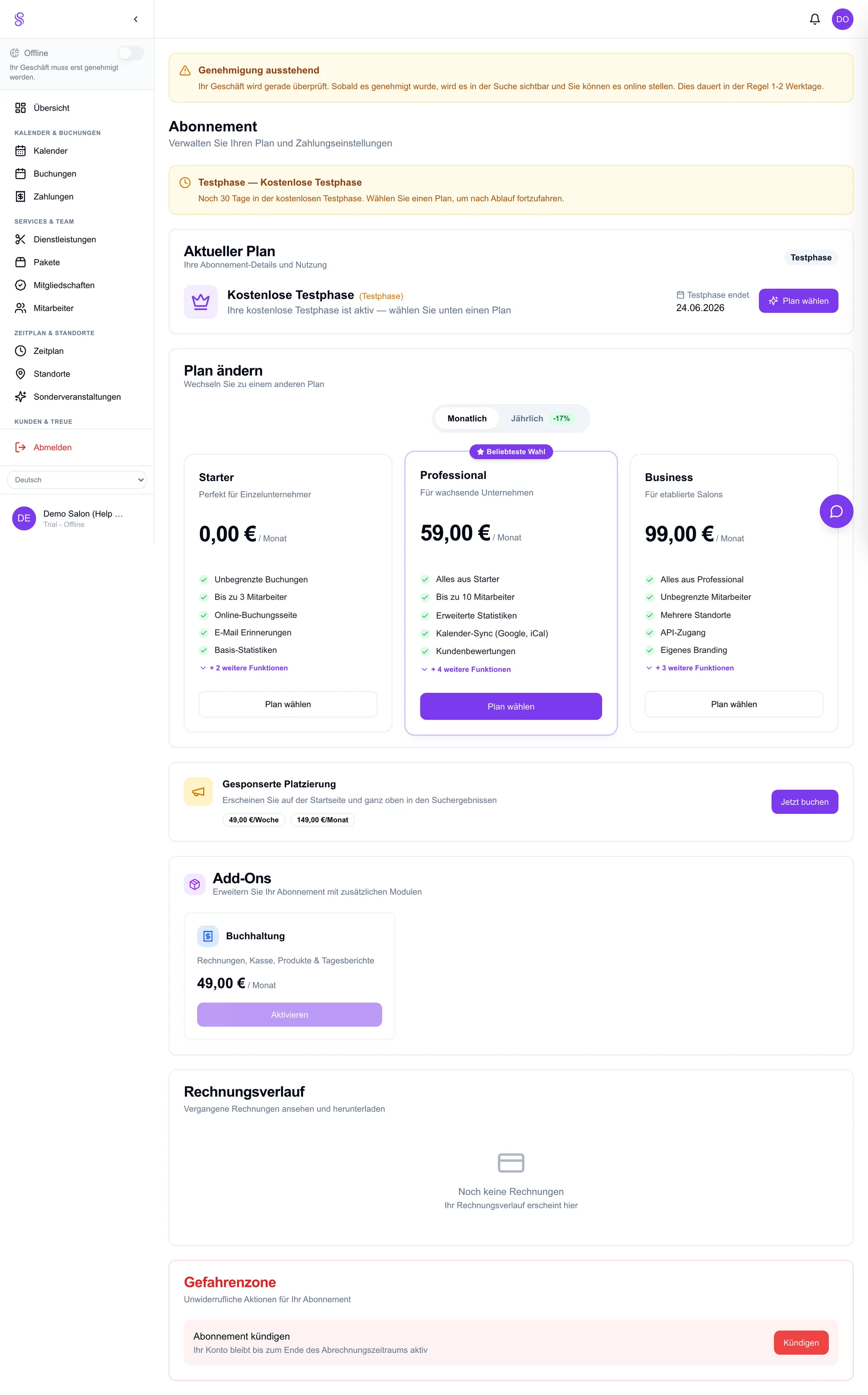
Your plan decides how much of Salonify you unlock — number of staff, products, the marketplace listing and add-ons like invoicing. You pick one during onboarding and can change it any time; upgrades are prorated so you only pay for what you use.
How to set it up
- 1
Compare plans during onboarding
The wizard shows each tier and what it unlocks. Pick the one that matches your team size and needs.
- 2
Or open Subscription later
Go to Dashboard → Subscription to view or change your plan at any point.
- 3
Upgrade or downgrade
Select a new tier; the change applies immediately and the cost is prorated against your current period.
- 4
Add optional add-ons
Enable extras such as invoicing or the accounting module from the same screen.
Good to know
- Higher tiers unlock more staff, products, the marketplace and invoicing.
- Changes are prorated — no penalty for upgrading mid-month.
- You keep paid access until the end of the period if you downgrade.