
Customers & growth
Reviews
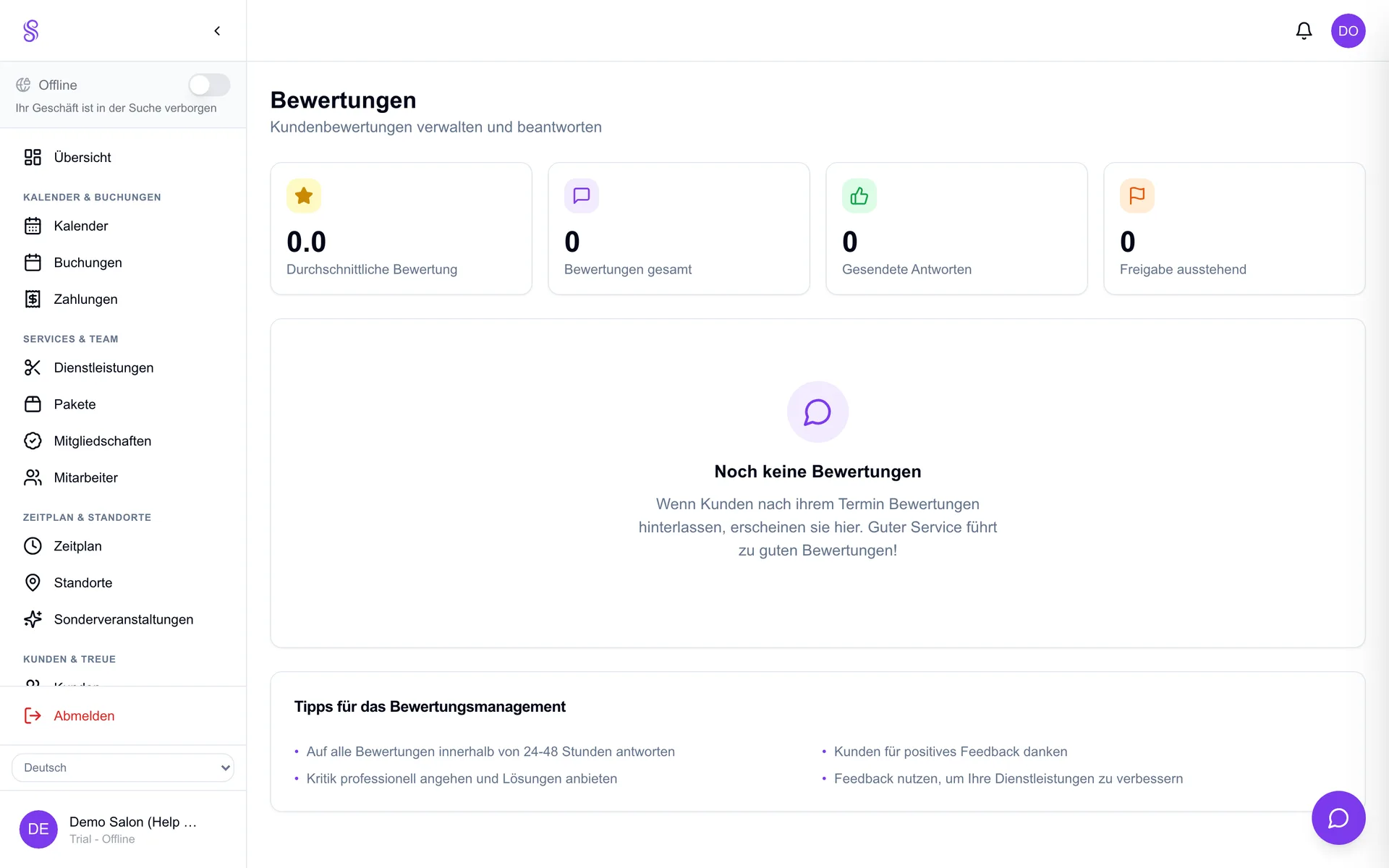
After an appointment, customers can leave a review that appears on your public page. Reviews are social proof that builds trust and lifts conversion — and replying to them, good or bad, shows future customers you listen.
How to set it up
- 1
Reviews are invited automatically
Customers are prompted to review after their appointment.
- 2
Open Reviews
Go to Reviews in the dashboard to read new feedback.
- 3
Reply
Respond to thank happy clients and address concerns publicly and professionally.
- 4
Watch your public page
Approved reviews show on your profile, building trust with new visitors.
Good to know
- Replying to negative reviews can win back a customer.
- Reviews lift your conversion and local search standing.
- Encourage happy clients to review while the visit is fresh.